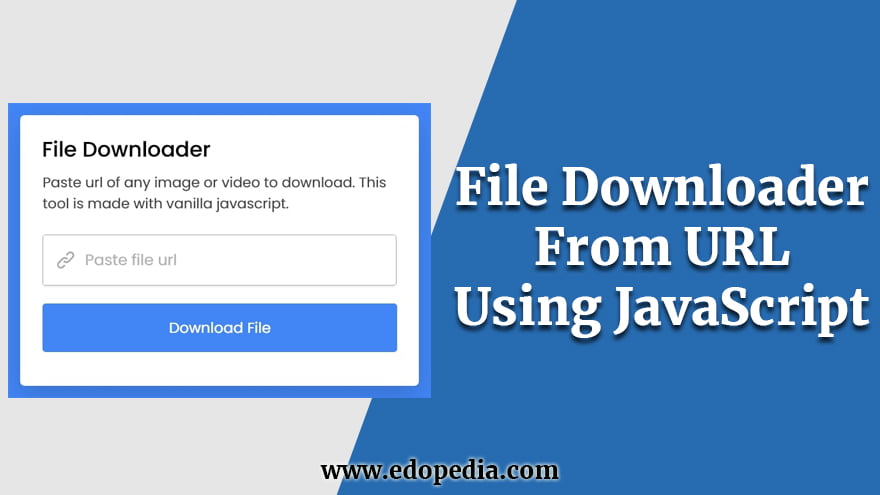
Free JavaScript file download from URL script.
<!DOCTYPE html>
<html lang="en" dir="ltr">
  <head>
    <meta charset="utf-8">
    <title>File Downloader in JavaScript | Edopedia.com</title>
    <style>
        /* Import Google Font - Poppins */@import url('https://fonts.googleapis.com/css2?family=Poppins:wght@400;500;600;700&display=swap');
*{
  margin: 0;
  padding: 0;
  box-sizing: border-box;
  font-family: 'Poppins', sans-serif;
}
body{
  display: flex;
  padding: 0 10px;
  align-items: center;
  justify-content: center;
  min-height: 100vh;
  background: #4285F4;
}
.wrapper{
  max-width: 500px;
  background: #fff;
  border-radius: 7px;
  padding: 20px 25px 15px;
  box-shadow: 0 15px 40px rgba(0,0,0,0.12);
}
header h1{
  font-size: 27px;
  font-weight: 500;
}
header p{
  margin-top: 5px;
  font-size: 18px;
  color: #474747;
}
form{
  margin: 20px 0 27px;
}
form input{
  width: 100%;
  height: 60px;
  outline: none;
  padding: 0 17px;
  font-size: 19px;
  border-radius: 5px;
  border: 1px solid #b3b2b2;
  transition: 0.1s ease;
}
form input::placeholder{
  color: #b3b2b2;
}
form input:focus{
  box-shadow: 0 3px 6px rgba(0,0,0,0.13);
}
form button{
  width: 100%;
  border: none;
  opacity: 0.7;
  outline: none;
  color: #fff;
  cursor: pointer;
  font-size: 17px;
  margin-top: 20px;
  padding: 15px 0;
  border-radius: 5px;
  pointer-events: none;
  background: #4285F4;
  transition: opacity 0.15s ease;
}
form input:valid ~ button{
  opacity: 1;
  pointer-events: auto;
}
    </style>
    <meta name="viewport" content="width=device-width, initial-scale=1.0">
  </head>
  <body>
    <div class="wrapper">
      <header>
        <h1>File Downloader</h1>
        <p>Paste url of image, video, or pdf to download. This tool is made with vanilla javascript.</p>
      </header>
      <form action="#">
        <input type="url" placeholder="Paste file url" required>
        <button>Download File</button>
      </form>
    </div>
    <script>
        const fileInput = document.querySelector("input"),
downloadBtn = document.querySelector("button");
downloadBtn.addEventListener("click", e => {
    e.preventDefault();
    downloadBtn.innerText = "Downloading file...";
    fetchFile(fileInput.value);
});
function fetchFile(url) {
    fetch(url).then(res => res.blob()).then(file => {
        let tempUrl = URL.createObjectURL(file);
        const aTag = document.createElement("a");
        aTag.href = tempUrl;
        aTag.download = url.replace(/^.*[\\\/]/, '');
        document.body.appendChild(aTag);
        aTag.click();
        downloadBtn.innerText = "Download File";
        URL.revokeObjectURL(tempUrl);
        aTag.remove();
    }).catch(() => {
        alert("Failed to download file!");
        downloadBtn.innerText = "Download File";
    });
}
        </script>
  </body>
</html>If you have been searching for the right note-taking or knowledge management app, you have…
Looking for AnyType alternatives? You're not alone. AnyType has gained popularity as a privacy-focused, local-first…
Notion is a popular all-in-one workspace, but many users seek alternatives for different needs (free…
Logseq is a beloved tool in the personal knowledge management (PKM) community. It's free, open-source,…
Looking for a Webshare alternative? You're not alone. Webshare is a popular proxy service with…
Docker changed software development forever. It made containers accessible, gave developers a simple workflow, and…
